
No coding required
Describe your app in plain English and watch it come together.
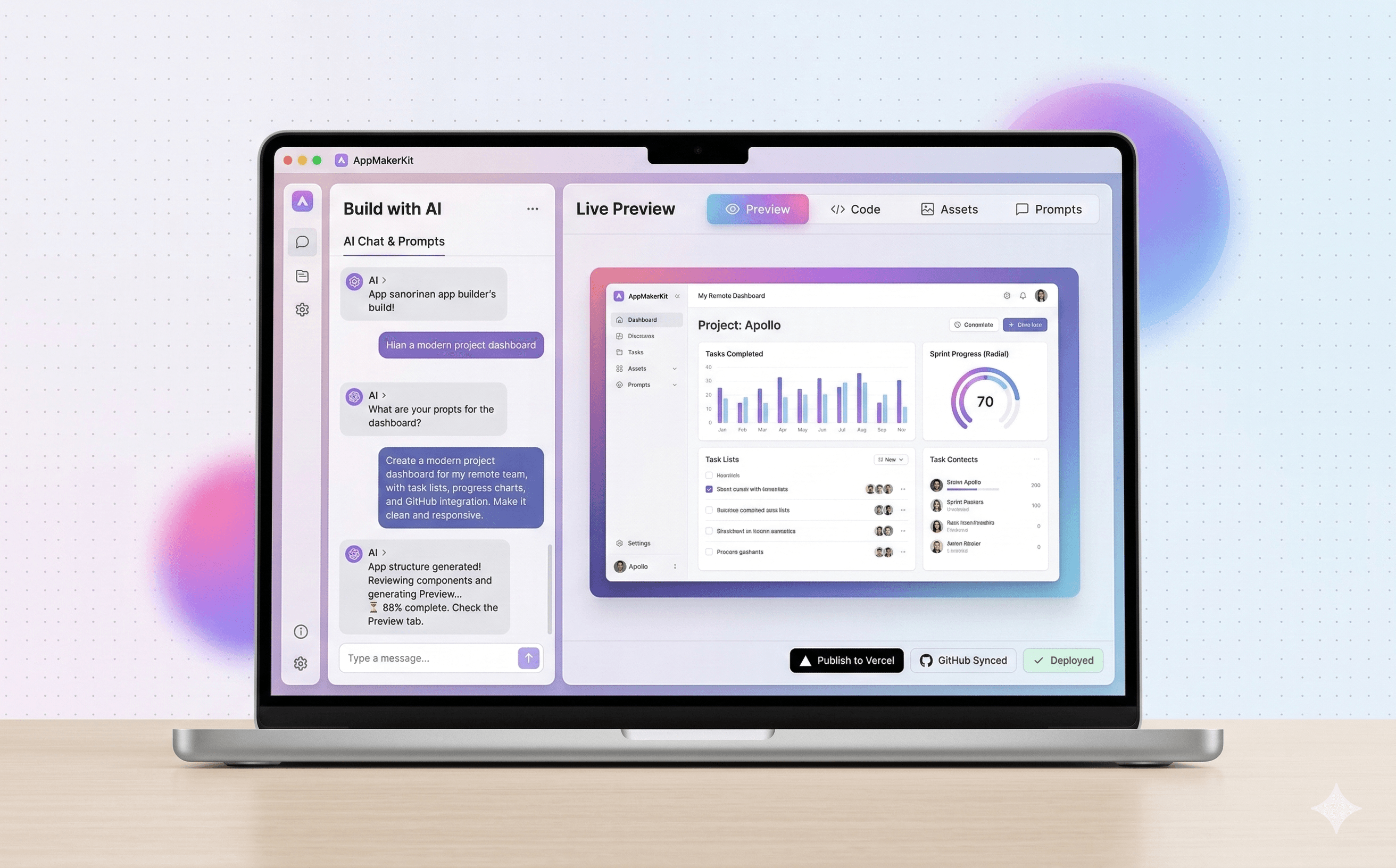
Tell AppMakerKit what you want to build, what it should look like, and what it should do. You guide the outcome without writing code yourself.
AppMakerKit helps non-technical people create real web apps using prompts and plain instructions. If you can explain your idea, you can start building it here.
Prompt
Build a modern app landing page for a non-technical founder with pricing, testimonials, and a publish-ready homepage.
Why people choose it
AppMakerKit is built for people who have ideas, taste, and goals, but do not want a technical learning curve before they can make progress.
No coding required
Tell AppMakerKit what you want to build, what it should look like, and what it should do. You guide the outcome without writing code yourself.
Made for beginners
Use prompts to create pages, refine layouts, update content, and shape the experience until it looks right for your business, product, or idea.
Ready to launch
AppMakerKit helps you move from rough concept to something polished enough to share, test, or launch without stitching together multiple tools.
Who it is for
How it works
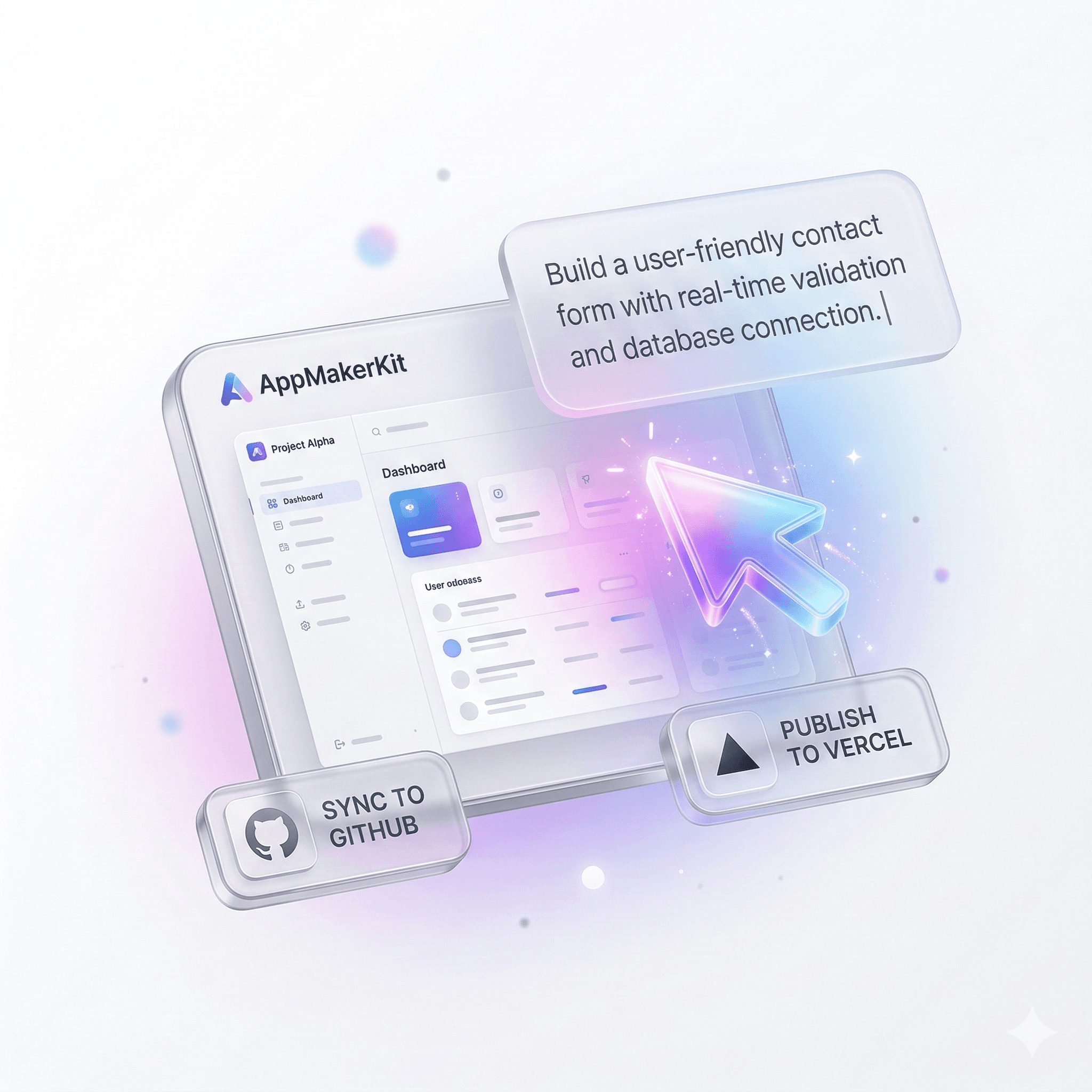
You stay focused on the idea and the outcome. AppMakerKit helps you shape the app, improve it, and move it toward launch through simple back-and-forth instructions.
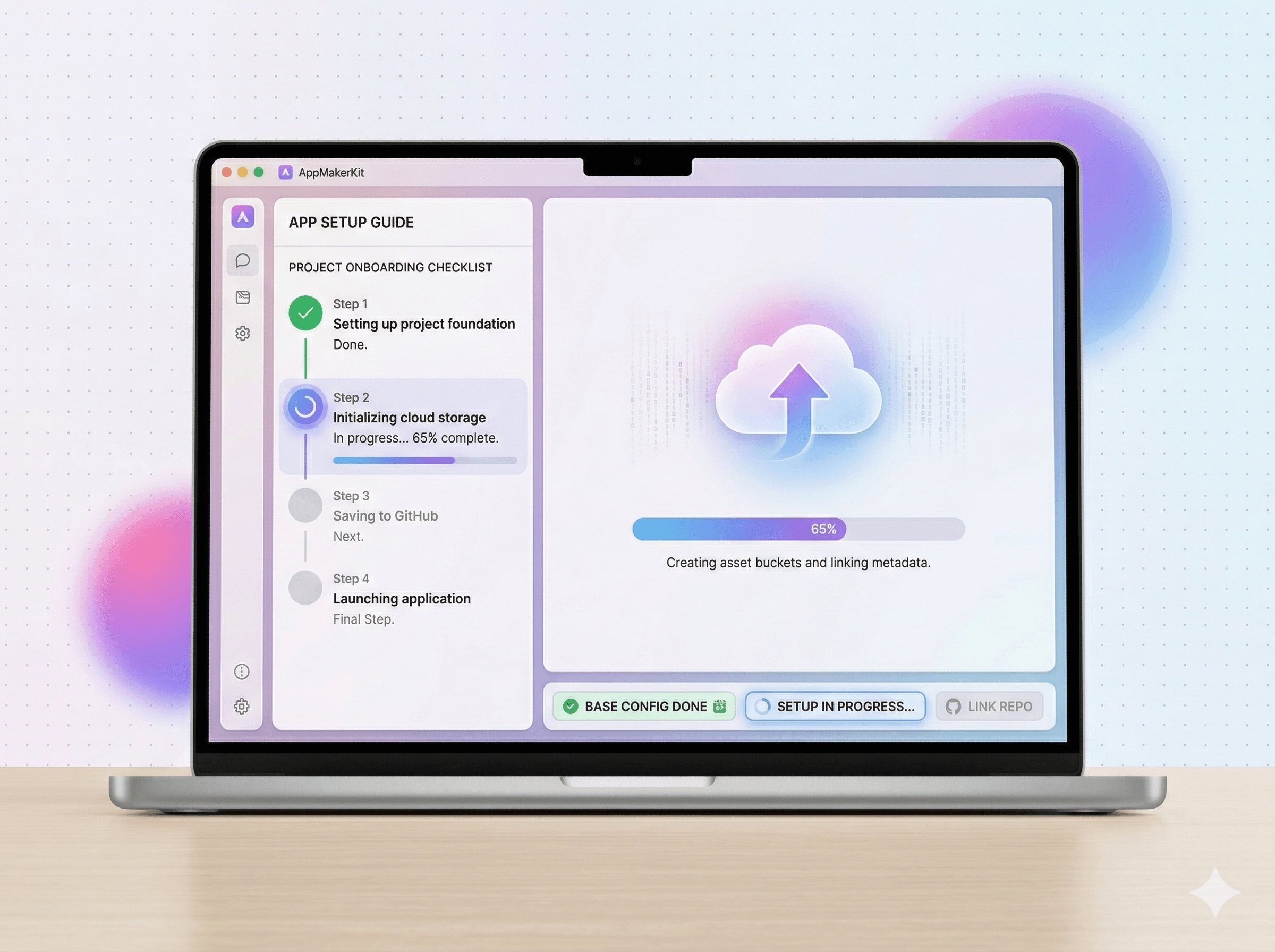
Describe the app you want in simple language, the same way you would explain it to a designer or developer.
Ask for changes, improvements, and new sections until the app matches the vision in your head.
Preview the result, make final tweaks, and publish when you are ready to show it to customers, clients, or your team.
Ready to try it
If AppMakerKit feels like the fastest path from your idea to a real product, start with the free tier or choose a plan and begin building today.